Windows, macOS, and Linux
Collect. Connect. Do.
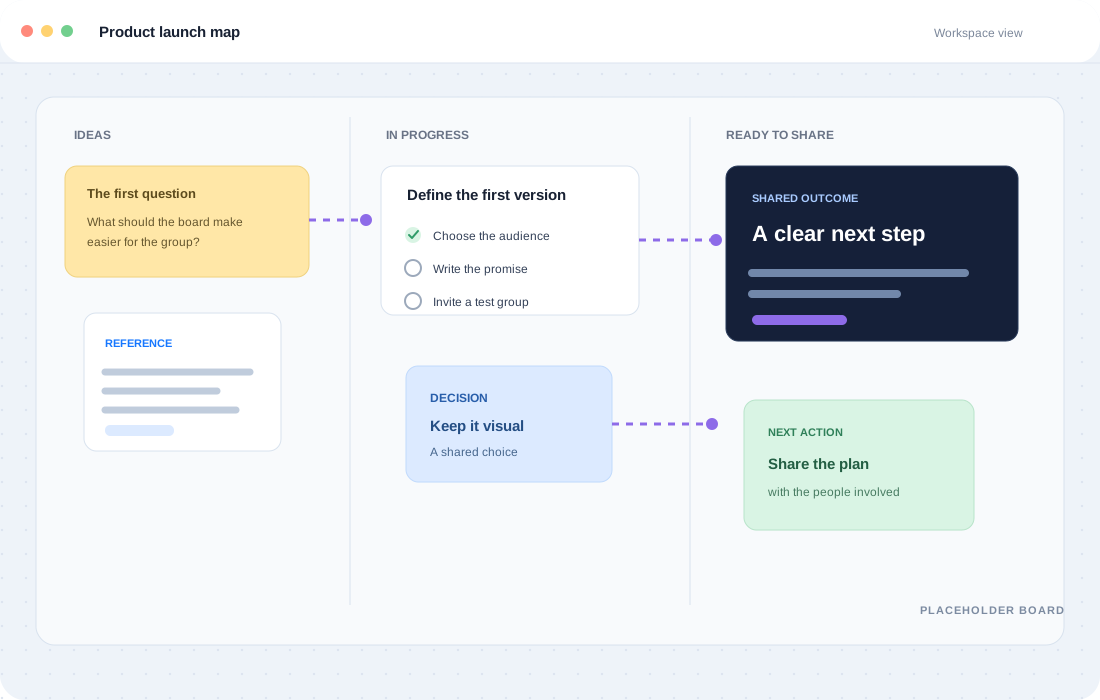
No approved product capture exists yet. Replace this frame with a screenshot of the SnapSplit whiteboard when one is ready.
Sign up for the beta.
How we store your info.
Only for beta updates. Your address is only used for beta and product-development updates.
You are in control. Every update email includes an unsubscribe link, and using it removes your subscription.
What we store. The subscription file stores your normalized email address and IP address. We do not store any other form fields.
What is SnapSplit
SnapSplit is a desktop workspace for thinking through work with moving parts. Build around the way you plan, research, and make decisions.
- Plan a tripKeep routes, places, tickets, dates, and costs together.
- Work with source materialBring documents, receipts, references, and notes into the same view.
- Move a project forwardConnect people, tasks, decisions, and data without losing the context.
Let the relationships do some of the work.
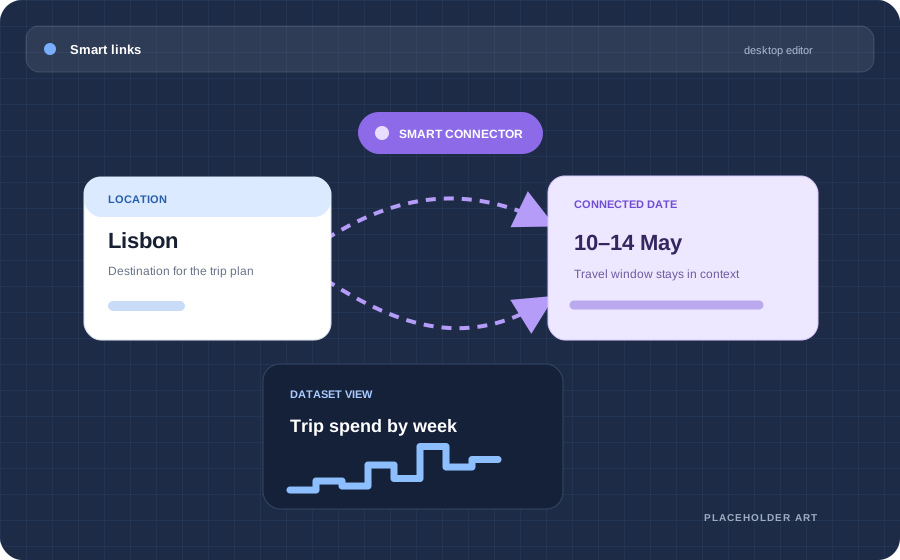
A smart connector can carry compatible context from one object to another. Change a date, place, or dataset once; keep the connected view understandable everywhere it matters.
- Local first. Your workspace lives in a database on your computer.
- Your choice. Keep boards on your device or export them to files you own.
- Shared on your terms. Collaboration happens only when you connect a server.* *Not in beta.
Local first. Cloud second.
SnapSplit runs on your device and works without a cloud account. You decide what leaves it: export a board to a file you keep, or connect a collaboration server only when you choose to.
Frequently asked questions.
What is SnapSplit?
SnapSplit is a desktop-first visual workspace centered on a flexible whiteboard. Add specialized components for plans, documents, receipts, maps, data, and other project material.
What can go on a board?
Notes, images, links, receipts, documents, contacts, tasks, polls, tables, charts, maps, timelines, and calendar events.
What makes a connector smart?
A normal connector shows a relationship. A smart connector can carry compatible context such as a location, date, or dataset so linked objects can stay aligned.
Do I need an account to use it?
No. Local editing does not require a cloud account. Collaboration over a local network is a separate track and is not part of the first release.
Is it free?
For now, there are no plans to monetise SnapSplit.
Where is my data stored?
On your computer. Boards, receipts, and documents are stored in a local database, and you can export a board to a file whenever you want a copy.
When can I try it?
SnapSplit is pre-release. The first release targets Windows, macOS, and Linux desktop, but installers are not published yet. Sign up to beta for updates on access.